
Roses on Black
Deep red roses on black — a tenoyim from the kallah's side, dramatic and formal.
The guest view opens the sealed envelope with sample names; nothing is saved. Designing is free; you pay only when you send past the free allowance.
- CodeHZ0029
- Card languageEnglish · guests can switch to Lashon Kodesh and Yiddish
- SidesFrom the kallah's side
- PricePremium — included in Simcha ($49) and Chasunah ($99)
- EnvelopeOutside Liner Card
Colours, fonts, the envelope and its liner, the wax seal, the stamp, the music and every line of text are yours to change in the studio.
For the same simcha
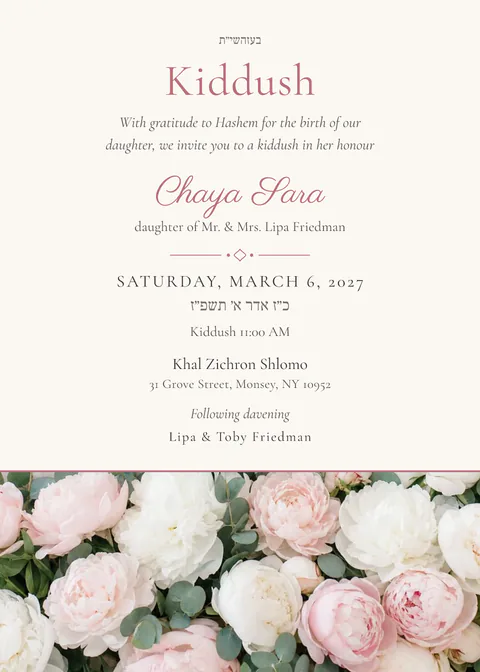
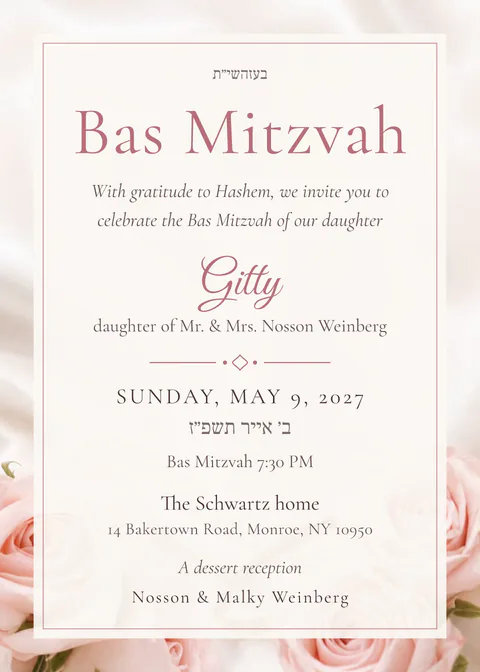
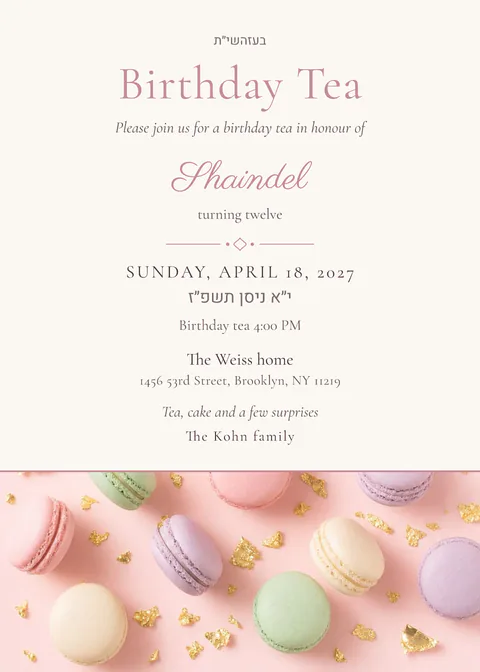
Other tenoyim designs; a tenoyim card and a chasunah card can share one look.
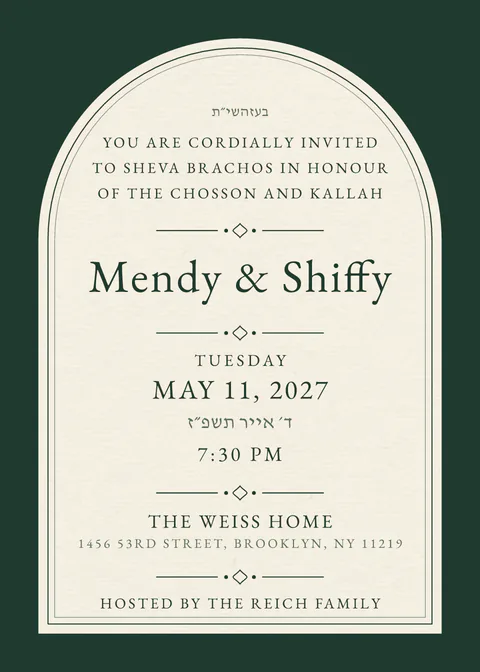
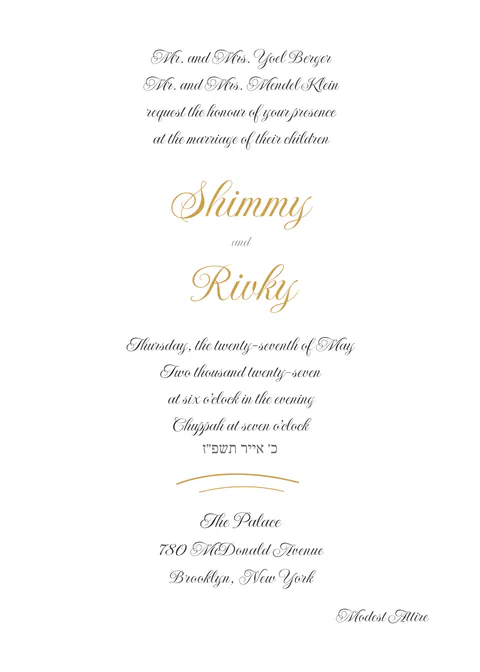
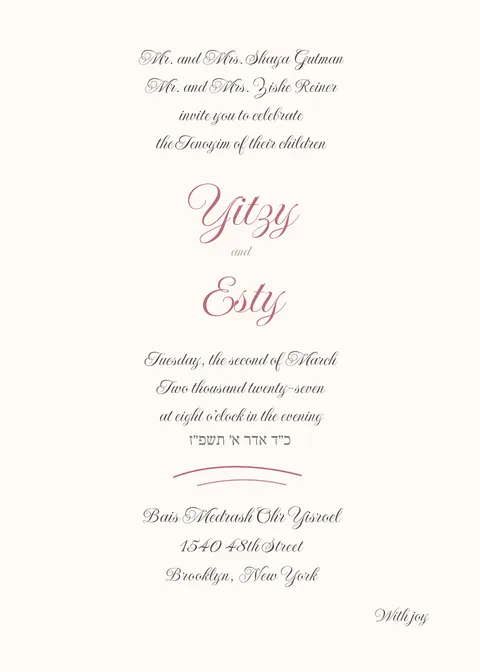
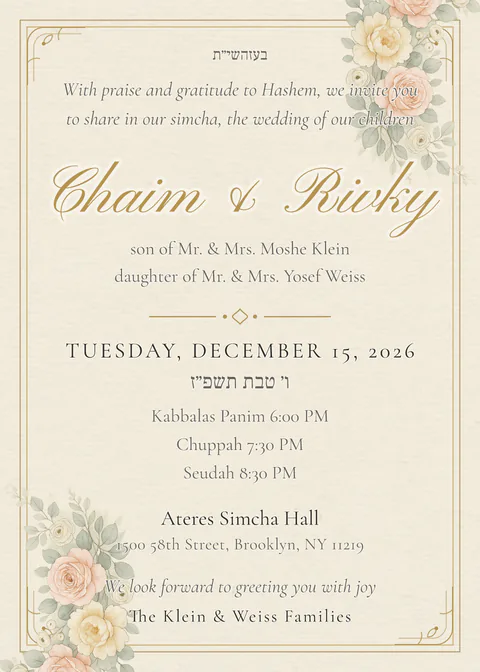
Like this one
The same colours and the same kind of card.

Questions about tenoyim invitations
Can the chosson’s side and the kallah’s side each send their own card?
Yes. Pick “chosson’s side” or “kallah’s side” and the wording follows; each side pastes its own list and sends from its own phone. Or send one card from both sides.
Can I reuse the design for the chasunah?
Yes. Start the chasunah card from the same design, or from its matching chasunah design, and copy the guest list from the tenoyim.
Is a tenoyim card free?
Yes. Up to 40 households on the free plan, with every standard design; the premium designs come with the paid plans.
How do guests reply?
Every family gets its own link, with their name on the envelope. The reply is two taps: coming or not, and how many seats. You see who opened and who answered, and the list exports as a spreadsheet for the hall. You can also switch the reply form off and use the link for directions only.
Does it work on a filtered phone?
The card is readable before any animation runs; the schedule, the maps, the calendar buttons and the reply form work without JavaScript, and a plain text version is one tap away. The message you send carries the names, the date and the hall as text before the link, so a guest whose phone shows no pictures still has the details.
Do my guests need an app or an account?
No. They tap the link in WhatsApp or email and the invitation opens in the browser, on any phone, tablet or computer. Only the host signs in, with an email — no password.
Start with Roses on Black.
Write the words, see it on your phone, send it when it is right.
Start your invitation